
- The Shopify App Store has 8,000+ apps. Most stores need 8-12. Installing more slows your site, increases costs, and creates maintenance headaches. This guide cuts through the noise with 20 essential picks organized by function.
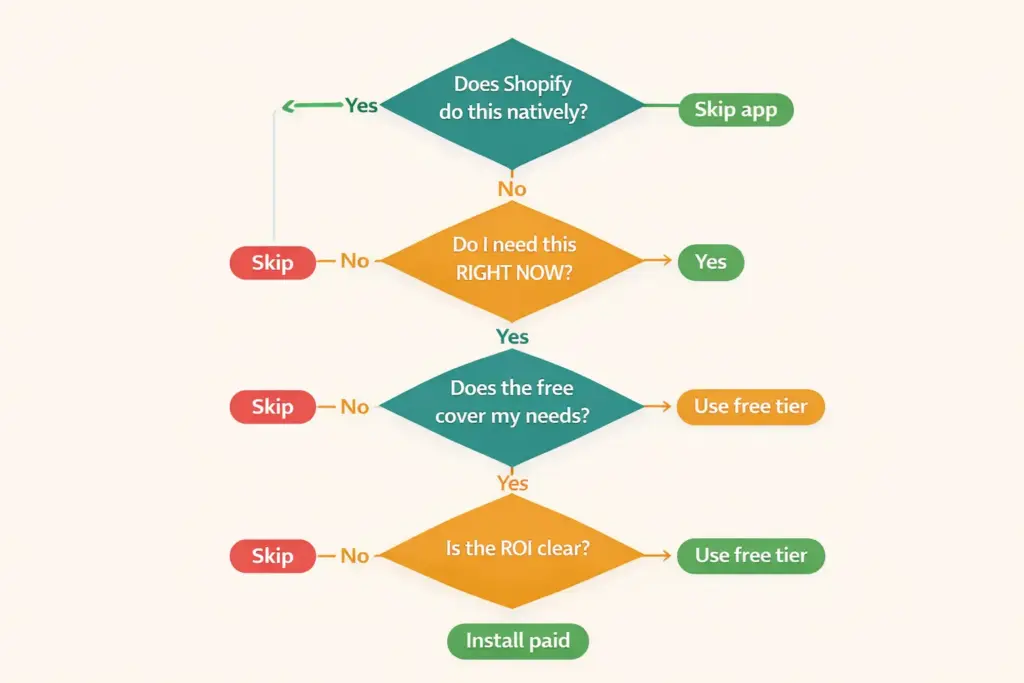
- Every app you install adds JavaScript that impacts page load speed, which directly affects both SEO rankings and conversion rates. Before installing any app, ask: does this solve a problem I actually have right now, or am I adding it "just in case"?
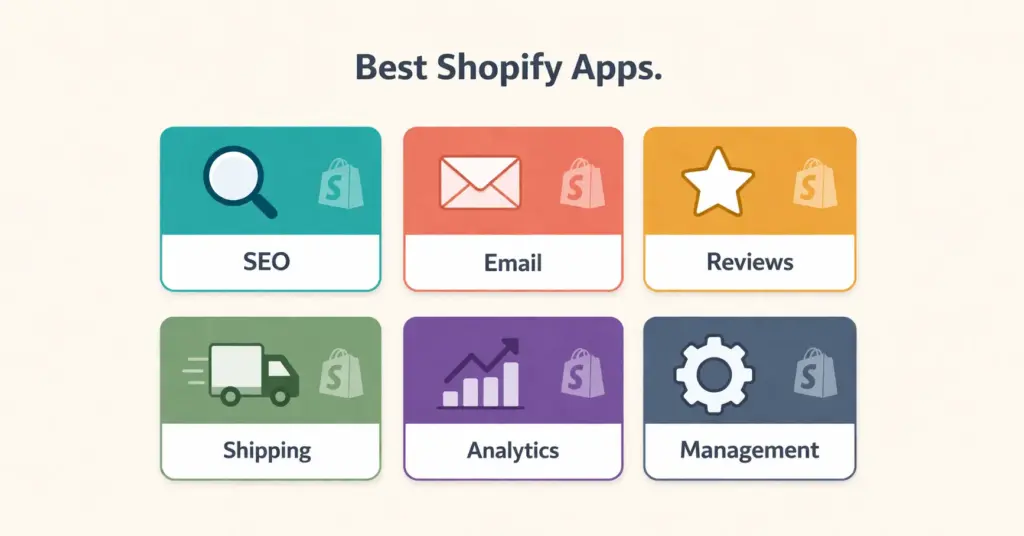
- The recommendations are organized into six categories: SEO and marketing, email and SMS, reviews and social proof, shipping and fulfillment, analytics, and store management. Each category includes a top pick, a budget alternative, and pricing details.
- Free alternatives exist for most paid app categories. Shopify's built-in features have expanded significantly and now cover basic email marketing, abandoned cart recovery, and analytics without any apps at all.
The Shopify apps store (officially the Shopify App Store) is the marketplace where store owners find, evaluate, and install third-party applications that extend their store’s functionality beyond what Shopify includes natively, covering everything from SEO optimization and email marketing to shipping automation and customer reviews. With over 8,000 shopify plugins available in the official Shopify App Store, the real challenge isn’t finding apps. It’s knowing which ones you actually need and which ones are bloating your store for no reason.
I’ve seen stores running 30+ apps where 12 would do the same job. Every unnecessary app adds JavaScript to your pages, slows load time, and costs monthly fees that compound into thousands per year. The stores that perform best on both speed and revenue tend to run lean, choosing fewer, better apps rather than stacking everything the shopify appstore recommends.
This guide covers 20 apps organized by function with honest assessments of what each does, what it costs, and whether you genuinely need it at your stage. If you’re still choosing a platform, our ecommerce platform comparison covers how Shopify’s app ecosystem compares to BigCommerce, WooCommerce, and other options.
How Many Shopify Apps Do You Actually Need?
The answer depends on your store’s stage:
| Store Stage | Revenue | Recommended App Count | Focus Areas |
|---|---|---|---|
| Launch (0-3 months) | $0-1K/mo | 4-6 apps | SEO, email, reviews, one shipping tool |
| Growth (3-12 months) | $1K-10K/mo | 8-12 apps | Add analytics, loyalty, upsells, SMS |
| Scale (12+ months) | $10K+/mo | 10-15 apps | Add advanced automation, subscriptions, CRO tools |
Every app beyond what you need is a liability. Before installing anything from the shopify app stores, check whether Shopify’s built-in features already cover the function. Shopify now includes basic email marketing (Shopify Email), abandoned cart recovery, discount codes, basic analytics, and blog functionality without any apps.
SEO and Marketing Apps
1. SEO Manager or Smart SEO (SEO Optimization)
Shopify’s native SEO is decent but limited. A dedicated SEO app adds bulk meta tag editing, automatic alt text, structured data enhancement, broken link detection, and keyword suggestions. These features matter significantly when you’re managing 100+ products and can’t manually optimize each one.
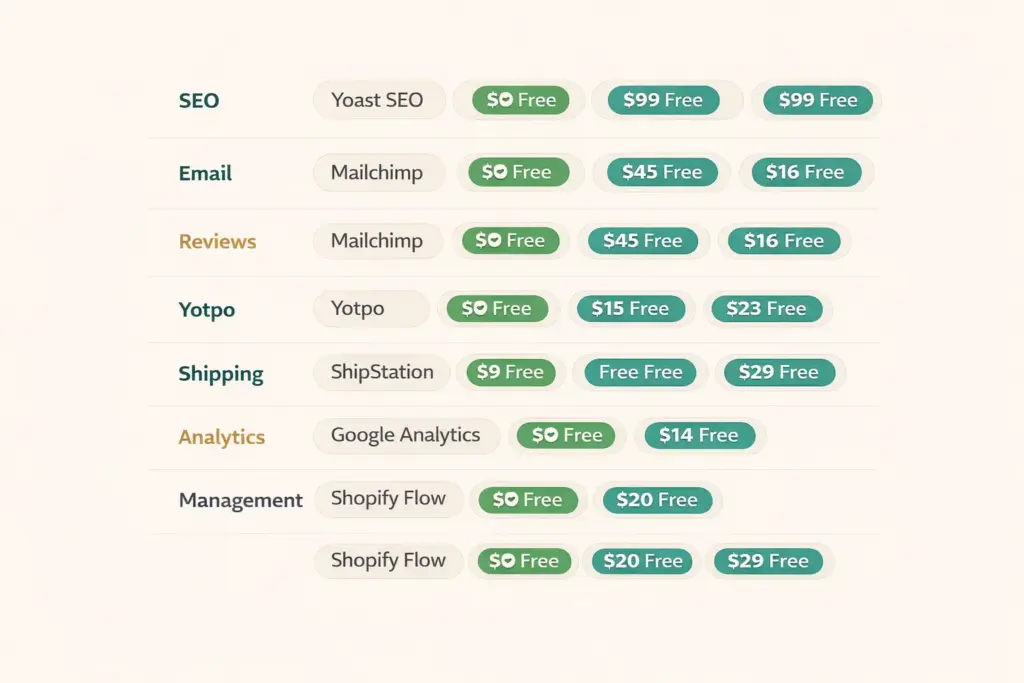
Top pick: Smart SEO ($9.99/mo) for automated meta tags and JSON-LD structured data. Budget option: SEO King (free tier available). Both handle the core ecommerce SEO tasks that Shopify doesn’t cover natively.
2. Google & YouTube Channel (Free)
Shopify’s official app for syncing your product catalog with Google Shopping, Google Search Console, and YouTube. It submits your product feed automatically and manages Google Merchant Center integration. Free to install; you only pay if you run Google Shopping ads. This is a must-install for every store regardless of size.
3. PageSpeed Optimization App
Site speed directly impacts both technical SEO and conversion rates. Speed apps compress images, lazy-load below-fold content, and defer non-critical JavaScript. Hyperspeed ($39/mo) and Booster (free tier) are the strongest options. Before paying for a speed app, remove unused apps first. The best speed optimization is fewer apps, not an app to fix the speed problems other apps caused.
Email and SMS Marketing Apps
4. Klaviyo (Email and SMS)
Klaviyo is the industry standard for ecommerce email marketing. It integrates deeply with Shopify to trigger emails based on purchase behavior, browsing history, and customer segments. Pre-built flows for welcome series, abandoned cart, post-purchase, and win-back campaigns are included. Free up to 250 contacts. Paid plans start at $20/mo.
If Klaviyo’s pricing is too steep, Shopify Email (built-in, free for first 10,000 emails/month) handles basic campaigns. Omnisend (free tier to 250 contacts) is a solid middle ground with SMS included.
5. SMS Marketing (Postscript or Attentive)
SMS open rates exceed 90% compared to 20-25% for email. For stores with customers who’ve opted in, SMS drives immediate revenue through flash sales, back-in-stock alerts, and shipping notifications. Postscript starts at $25/mo. Only add SMS once you have 500+ subscribers and consistent email revenue. Before that, the cost doesn’t justify the channel.
Reviews and Social Proof Apps
6. Judge.me or Loox (Product Reviews)
Customer reviews are non-negotiable for conversion and retention. Judge.me (free tier, $15/mo for full features) collects reviews via automated post-purchase emails, displays star ratings on product pages, and generates review-rich structured data for Google. Loox ($9.99/mo) focuses on photo and video reviews, which convert better than text-only reviews for visual product categories.
7. Social Proof Notifications
“Sarah from Denver just purchased this item” popups create urgency and trust. Sales Pop or Nudgify handle this. Effective for stores with consistent sales volume. Skip this if you’re getting fewer than 5 orders per day because the notifications won’t fire often enough to feel authentic.
Shipping and Fulfillment Apps
8. Shopify Shipping (Built-In)
Shopify’s native shipping calculates rates from USPS, UPS, and DHL, prints labels, and provides tracking. For most US-based stores shipping standard packages, the built-in solution works without an additional app. You get discounted carrier rates included with your Shopify plan.
9. ShipStation or Pirate Ship (Advanced Shipping)
When you’re processing 50+ orders daily or shipping internationally, dedicated shipping software saves time through batch label printing, multi-carrier rate comparison, and automated tracking updates. ShipStation ($9.99/mo+) integrates with 50+ carriers. Pirate Ship is free to use and offers the best USPS rates through commercial pricing.
10. Dropshipping Apps (DSers, Spocket, CJdropshipping)
If you’re dropshipping, you need a supplier integration app. DSers (free tier, 3,000 products) is the go-to for AliExpress sourcing. Spocket ($39/mo) focuses on US/EU suppliers with faster shipping. CJdropshipping (free, usage-based) offers warehousing and custom packaging. Only install one primary dropshipping app to avoid inventory sync conflicts.
Analytics and Optimization Apps
11. Google Analytics 4 (Free)
Install GA4 through Shopify’s native Google integration or via the Google & YouTube Channel app. Enhanced ecommerce tracking shows add-to-cart rates, checkout behavior, and revenue attribution by traffic source. This is free and essential. Every store needs it from day one before any paid analytics tools.
12. Lucky Orange or Hotjar (Session Recording)
Watch real visitors navigate your store. See where they click, where they hesitate, and where they abandon. These recordings reveal UX problems that analytics numbers alone can’t explain. Lucky Orange ($39/mo) includes heatmaps and session recordings. Hotjar has a free tier (35 sessions/day). Add this once you have 50+ daily visitors and want to optimize conversion rate.
13. TrueProfit or BeProfit (Profit Analytics)
Shopify’s built-in analytics show revenue but not true profit. Profit tracking apps account for product cost, shipping, ad spend, transaction fees, and app subscriptions to show your real margin per product and per order. TrueProfit (free tier) integrates with ad platforms to calculate actual ROAS. Add this once you’re spending on ads and need accurate profitability data.
Store Management and Conversion Apps
14. ReConvert or CartHook (Post-Purchase Upsells)
Post-purchase upsells appear on the thank-you page after checkout, offering complementary products. Conversion rates on post-purchase offers run 5-15% because the buyer has already committed. ReConvert ($4.99/mo+) is the most popular option. Add this after you have established best-selling products with clear complementary items.
15. Subscriptions (Recharge or Seal Subscriptions)
If you sell consumable products (coffee, supplements, skincare, pet food), subscriptions convert one-time buyers into recurring revenue. Recharge ($99/mo) is the enterprise standard. Seal Subscriptions has a free tier for up to 150 subscriptions. Only add this if your products have natural repurchase cycles. Our business models guide covers when subscription models make sense.
16. Loyalty Program (Smile.io or LoyaltyLion)
Points-based loyalty programs increase repeat purchase rates by giving customers incentives to return. Smile.io (free tier, 200 orders/mo) is the most popular Shopify loyalty app. Add this after your first 100 customers when you have enough buyers to make a program feel active.
17-20: Additional Essential Apps
Back In Stock (free-$19/mo). Captures email addresses when products sell out, then automatically notifies customers when stock returns. Prevents lost sales from inventory gaps.
Privy or Justuno (pop-ups, $0-24/mo). Email capture pop-ups, exit-intent offers, and spin-to-win wheels. Effective for building your email list quickly. Start with Privy’s free tier.
Matrixify ($0-200/mo). Bulk import/export products, collections, and customer data via spreadsheets. Essential for stores doing large catalog updates or migrating from other platforms.
Langify or Weglot ($0-15/mo). Multi-language translation for international stores. Only needed if you sell to non-English markets. Weglot handles automatic translation with manual override for quality control.
Apps You Probably Don’t Need
Currency converters. Shopify Markets handles multi-currency natively on all plans. You don’t need a separate app for this anymore.
Countdown timers. Fake urgency tactics damage trust more than they boost conversions. If you have a genuine limited-time offer, use Shopify’s built-in discount scheduling.
Instagram feed displays. These add heavy JavaScript for minimal conversion impact. Link to your Instagram from your footer instead. Your store design should prioritize speed over decoration.
Multiple SEO apps. Running two SEO apps creates conflicting structured data, duplicate meta tags, and wasted resources. Pick one and commit.
Shopify App Development: Custom Apps
When no existing app solves your specific need, shopify app development creates custom solutions. This typically involves hiring a shopify app developer or agency to build a private app tailored to your store’s workflows.
Custom shopify application development makes sense when: you need integrations with proprietary systems (custom ERP, warehouse management), you’ve outgrown the capabilities of off-the-shelf apps, or you need functionality that doesn’t exist in the shopify apps store. Expect to invest $2,000-20,000+ depending on complexity. For most stores under $1M/year in revenue, existing apps cover every need without custom development.
If you’re evaluating the full ecommerce tools landscape, understanding which functions need apps versus which are built into your platform helps you budget accurately and avoid the app bloat that kills site performance.
Frequently Asked Questions
Most stores perform best with 8-12 apps. New stores should start with 4-6 covering SEO, email, reviews, and shipping. Each additional app adds JavaScript that slows your site. Before installing anything, check whether Shopify’s built-in features already cover the function. Remove any app you haven’t used in the past 30 days.
The best free shopify plugins include Google & YouTube Channel (product feed sync), Shopify Email (10,000 emails/month free), Judge.me free tier (product reviews), DSers free tier (dropshipping with 3,000 products), Seal Subscriptions free tier (150 subscriptions), and Smile.io free tier (loyalty program with 200 orders/month).
Yes. Every app adds JavaScript and CSS that loads on your pages. Stores with 20+ apps typically score 15-25 points lower on PageSpeed Insights than stores with 8-10 apps. The impact varies by app quality. Well-built apps load asynchronously with minimal impact. Poorly built ones block page rendering. Audit your app list quarterly and remove anything unused.
The Shopify apps store offers pre-built third-party applications anyone can install. Shopify app development is the process of building custom applications for specific store needs. Custom development costs $2,000-20,000+ and makes sense when no existing app solves your problem or when you need integrations with proprietary business systems.
Install in this priority order: Google & YouTube Channel (free, product feed), an SEO app like Smart SEO ($9.99/mo), Klaviyo or Shopify Email (email marketing), Judge.me (reviews), and your shipping solution. These five cover the core functions every store needs from day one. Add analytics, loyalty, and upsell apps after you have consistent sales.
In the Shopify appstore, filter by category and sort by “Most reviews” or “Most popular.” Read recent reviews (last 3 months) rather than all-time ratings since app quality changes with updates. Test with free trials before committing to paid plans. Ask in Shopify community forums what apps stores in your niche actually use.
Related Reads
- Best Ecommerce Platform Comparison
- Ecommerce Tools and Tech Stack
- BigCommerce SEO Review
- Ecommerce SEO Complete Guide
- How to Start Dropshipping
- Ecommerce Startup Costs
Enjoying this? Get more like it every week.
One email per week with ecommerce strategies, tool picks, and seller insights. No spam.