
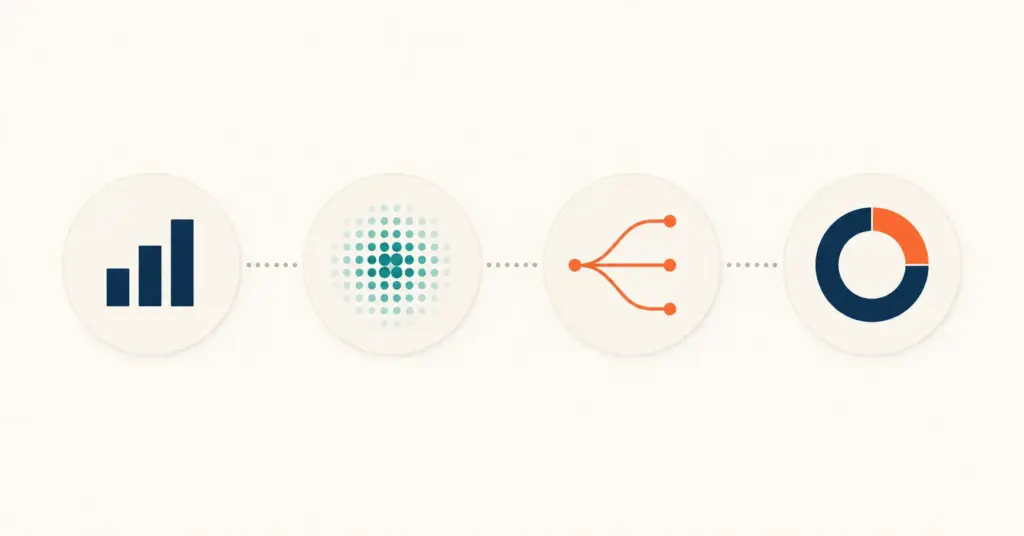
- Ecommerce analytics tools fall into four categories: traffic and conversion (GA4), behavior and UX (Clarity, Hotjar), attribution and ad spend (Triple Whale, Northbeam), and profitability and LTV (Lifetimely, Glew). Most stores need one tool from each category, not eight overlapping dashboards.
- GA4 plus Microsoft Clarity covers 80% of analytics needs at zero cost. This combination handles traffic sources, conversion funnels, session recordings, heatmaps, and rage click detection. Pay for additional tools only when you outgrow what the free stack provides.
- Attribution tools (Triple Whale, Northbeam) only justify their cost above $10,000/month in ad spend. Below that threshold, blended ROAS calculated manually in a spreadsheet provides the same actionable insight.
- The biggest analytics mistake is collecting data without defining what action each metric triggers. Every tool in the stack should answer a specific question that leads to a specific decision.
Ecommerce analytics tools are the platforms that turn store data into revenue decisions. The problem isn’t a shortage of tools; it’s the opposite. Most stores install 6 to 10 analytics tools, pay for 4, actively use 2, and make decisions based on 1. The rest generate dashboards that nobody checks and data that nobody acts on. A lean analytics stack uses one tool per function, costs under $200/month for most stores, and answers the questions that actually drive revenue.
This guide covers the 8 analytics platforms that earn their place in an ecommerce stack, organized by what they measure: traffic and conversion, behavior and UX, attribution and ad spend, and profitability and LTV. For each tool, you’ll get what it does, what it costs, when it justifies the price, and when to skip it. For the metrics these tools should track, see the ecommerce KPIs and metrics guide.
Category 1: Traffic and Conversion Analytics
These tools answer “where is traffic coming from and how much of it converts?” Every store needs exactly one tool in this category, and for 95% of stores, it’s GA4.
Google Analytics 4 (GA4)
GA4 is the baseline analytics tool for every ecommerce store. It tracks sessions, traffic sources, user journeys, conversion funnels, and ecommerce events (product views, add-to-cart, checkout starts, purchases). Free for all stores. Shopify, WooCommerce, BigCommerce, and every major platform integrate natively or via a one-click plugin.
What GA4 does well: traffic source attribution (organic, paid, email, social, direct), conversion funnel visualization (where exactly visitors drop off), audience demographics, device and location breakdowns, and custom event tracking. What GA4 does poorly: multi-touch attribution across ad platforms (platform-reported data conflicts), real-time behavior visualization (sessions lag 24 to 48 hours for some reports), and profitability metrics (no COGS, margin, or LTV tracking). For setup, see the GA4 ecommerce setup guide.
Cost: Free. When to use: Always. Every store, every size. When to skip: Never.
Amplitude (growth-stage alternative)
Amplitude is a product analytics platform that tracks user behavior at the event level with more granularity than GA4. It excels at cohort analysis, user journey mapping, and behavioral segmentation. The free tier covers up to 10 million events/month, which handles most stores under $5M revenue.
Amplitude justifies its presence alongside GA4 when you need deeper behavioral analysis: which product combinations drive repeat purchases, which onboarding flows produce the highest LTV customers, or which browse-to-buy paths convert most efficiently. For stores under $1M revenue, GA4 covers everything Amplitude does. Above $1M with 50,000+ monthly sessions, Amplitude’s cohort and funnel analysis starts revealing patterns GA4 misses.
Cost: Free tier (10M events), paid from $49/month. When to use: Stores above $1M revenue with complex customer journeys. When to skip: Single-product stores, stores under 50,000 monthly sessions.
Category 2: Behavior and UX Analytics
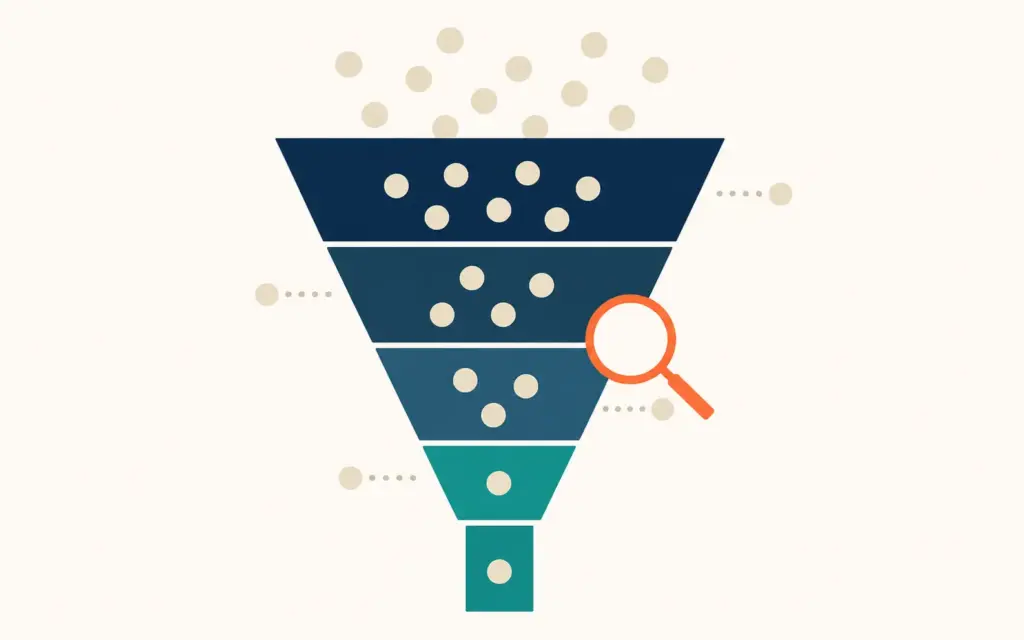
These tools answer “what are visitors actually doing on the page?” They show the behavior GA4 quantifies: where users click, scroll, hesitate, and rage-click. Essential for CRO work. For the full optimization process, see the ecommerce CRO guide.
Microsoft Clarity
Clarity is a free session recording and heatmap tool from Microsoft. It captures every visitor session as a replayable video, generates click and scroll heatmaps for any page, and auto-detects “rage clicks” (frustrated repeated clicking), “dead clicks” (clicking elements that aren’t clickable), and “quick backs” (landing on a page and immediately leaving). Unlimited sessions, unlimited data, no sampling.
Clarity’s biggest advantage over paid alternatives is the rage click and dead click detection. These surface UX problems you’d never find in GA4 data. A product page with a 40% bounce rate in GA4 doesn’t tell you why visitors leave. Clarity shows you they’re rage-clicking on a non-clickable image because they expected it to zoom, or tapping the size guide link that’s broken on mobile. That specific diagnosis turns analytics into action.
Cost: Free. When to use: Always, alongside GA4. When to skip: Never.
Hotjar
Hotjar provides session recordings, heatmaps, and on-site surveys. It overlaps significantly with Clarity on recordings and heatmaps, but adds two features Clarity lacks: on-page feedback widgets (asking visitors “what’s stopping you from buying?”) and survey forms triggered by behavior (exit intent, time on page, scroll depth).
Hotjar justifies its cost when you need qualitative data alongside behavioral data. Knowing that 60% of visitors leave the pricing page is quantitative (Clarity shows this). Knowing that visitors leave because “I can’t tell if shipping is included” is qualitative (Hotjar surveys capture this). The combination of behavioral recording plus qualitative feedback produces more actionable CRO hypotheses than either alone.
Cost: Free tier (35 sessions/day), paid from $32/month. When to use: Stores actively running CRO programs with $2M+ revenue. When to skip: Stores not actively testing. Clarity covers the behavioral side for free.
Category 3: Attribution and Ad Spend Analytics
These tools answer “which ad spend is actually producing profitable sales?” They exist because Meta, Google, and TikTok each claim credit for the same conversion, making platform-reported ROAS unreliable.
Triple Whale
Triple Whale is a Shopify-focused attribution and analytics platform. It tracks first-party data (pixel-based, not reliant on platform-reported conversions) to provide a more accurate view of which campaigns, ad sets, and creatives drive real purchases. The “Total Impact” model shows blended ROAS across all channels in a single dashboard.
Triple Whale’s value comes from resolving the attribution conflict. If Meta reports $4 ROAS and Google reports $3.5 ROAS on the same $50k in revenue, you’re either double-counting or misattributing. Triple Whale’s first-party pixel tracks the actual customer journey across touchpoints and attributes more honestly. The “Creative Cockpit” feature also identifies which specific ad creatives produce the best return, which is operationally useful for creative testing.
Cost: From $100/month (Shopify only). When to use: Stores spending $10,000+/month on ads across 2+ platforms. When to skip: Stores under $10k/month ad spend (manual blended ROAS calculation works fine). Non-Shopify stores (limited support).
Northbeam
Northbeam is a platform-agnostic attribution tool that uses machine learning to model multi-touch attribution across all channels. It works with Shopify, WooCommerce, BigCommerce, and custom stores. Northbeam focuses on incrementality testing (which ad spend actually moved the needle versus spend that targeted buyers who would have purchased anyway).
Northbeam justifies its higher price point for stores with complex media mixes (5+ channels) and ad budgets above $50k/month. Its incrementality models help identify “wasted” ad spend, campaigns targeting existing customers who don’t need another ad to convert. For stores with simpler media mixes (Meta + Google only), Triple Whale or manual tracking covers the need.
Cost: From $500/month. When to use: Stores with $50k+/month ad spend and 5+ acquisition channels. When to skip: Most stores.
Category 4: Profitability and LTV Analytics
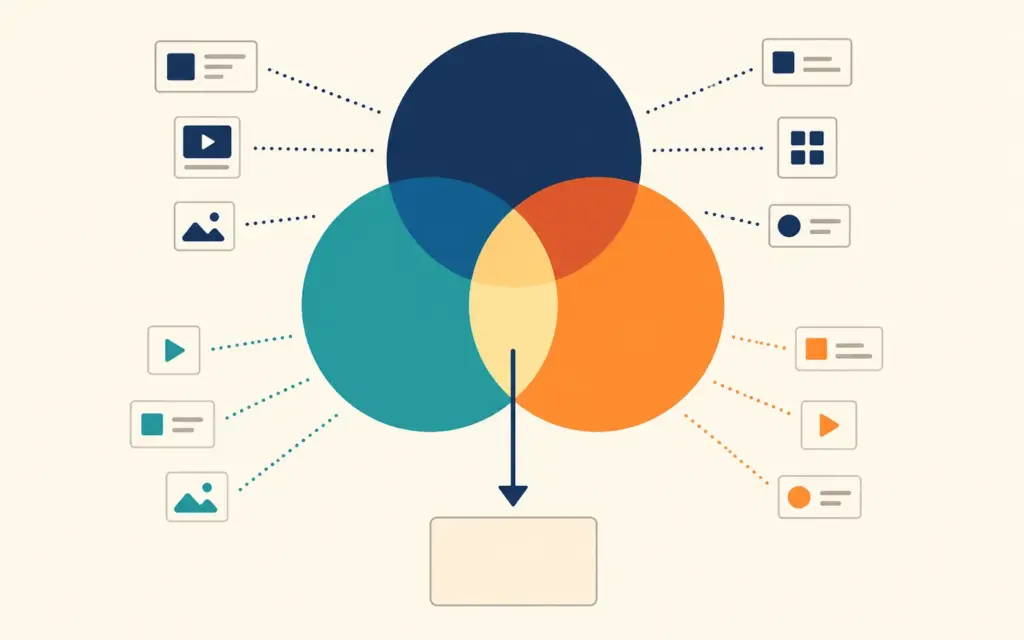
These tools answer “is each customer and order actually profitable after all costs?” GA4 tracks revenue but not profit. These tools connect COGS, shipping costs, transaction fees, and return rates to calculate true contribution margin and customer lifetime value.
Lifetimely
Lifetimely (Shopify app) calculates customer lifetime value by cohort, showing how much revenue each monthly acquisition cohort generates over 3, 6, 12, and 24 months. It also tracks repeat purchase rate, purchase frequency, and LTV by acquisition channel. This data directly informs CAC decisions: if January’s cohort has $200 LTV at 12 months but March’s cohort only has $120, something changed in acquisition quality.
Lifetimely’s profit dashboard integrates COGS, shipping, and ad spend to show net profit per order, per customer, and per day. This replaces the spreadsheet most stores use to calculate “did we actually make money this month?” with real-time data.
Cost: From $34/month. When to use: Stores with 6+ months of order history and repeat customers. When to skip: Brand-new stores without enough cohort data. Stores with near-zero repeat purchases (commodity/one-time products).
Glew
Glew is a multi-platform analytics tool that connects Shopify, WooCommerce, BigCommerce, Amazon, and ad platforms into a unified profitability dashboard. It calculates contribution margin per product, per channel, and per customer segment. Glew also provides automated performance alerts and customer segmentation based on purchasing behavior (RFM analysis).
Glew’s advantage over Lifetimely is multi-channel support. If you sell on Shopify plus Amazon plus a wholesale channel, Glew unifies profitability data across all three. Lifetimely only covers Shopify. The tradeoff is higher cost and more complex setup.
Cost: From $79/month. When to use: Multi-channel stores (website + Amazon + wholesale) needing unified profitability tracking. When to skip: Shopify-only stores (Lifetimely is simpler and cheaper).
The Recommended Analytics Stack by Store Size
| Store Revenue | Free Stack | Paid Additions | Monthly Tool Cost |
|---|---|---|---|
| Under $100k/year | GA4 + Clarity | None needed | $0 |
| $100k to $500k | GA4 + Clarity | Lifetimely | $34 |
| $500k to $2M | GA4 + Clarity | Lifetimely + Looker Studio | $34 |
| $2M to $10M | GA4 + Clarity | Triple Whale + Lifetimely + Hotjar | $166+ |
| $10M+ | GA4 + Clarity | Northbeam + Glew + Amplitude + Hotjar | $660+ |
GA4 and Clarity stay in every stack because they’re free, comprehensive, and irreplaceable. Paid tools layer on top for specific needs. The principle: add a paid tool only when you’ve exhausted what the free tools provide and you can name the specific question the paid tool answers that the free stack can’t.
The Reporting Dashboard That Ties It All Together
Looker Studio (free)
Google’s Looker Studio (formerly Data Studio) connects to GA4, Google Ads, Google Sheets, BigQuery, and most databases via community connectors. It pulls data from multiple sources into a single visual dashboard. Build a weekly report that shows GA4 conversion data alongside Shopify revenue data alongside ad spend data, all on one page. Free for unlimited dashboards and data sources.
The practical setup: create one dashboard with three sections. Section 1: traffic and conversion (GA4 data: sessions, conversion rate, top channels). Section 2: revenue and orders (Shopify or platform data via Google Sheets export: revenue, AOV, orders). Section 3: ad performance (Google Ads and Meta data: spend, ROAS, CPA). Review weekly. This single dashboard replaces logging into 4 separate tools every Monday.
Common Analytics Tool Mistakes
Installing tools without configuring them
GA4 installed without ecommerce event tracking only shows page views and sessions. It misses add-to-cart, checkout, and purchase events, which is where all the actionable data lives. Clarity installed without excluding admin users records your own team browsing the backend, polluting the behavior data. Configure every tool properly at installation or it produces worse insights than no tool at all.
Paying for tools you don’t use weekly
A $100/month analytics tool checked once per quarter costs $1,200/year for 4 data points. Cancel any tool you don’t check at least weekly. If a tool’s insights don’t trigger at least one action per month, it’s not earning its subscription cost.
Trusting any single tool’s attribution
Every ad platform over-reports its impact. Every attribution tool has a model with assumptions. The honest approach: calculate blended ROAS (total revenue / total ad spend) as the ground truth, then use platform-specific data to decide budget allocation within that total. No single tool’s attribution model is “correct.” They’re all approximations. For attribution depth, see the attribution modeling guide.

Frequently Asked Questions
GA4 plus Microsoft Clarity is the strongest free analytics combination. GA4 handles traffic, conversion funnels, and acquisition data. Clarity handles session recordings, heatmaps, and UX behavior detection (rage clicks, dead clicks). Together they cover 80% of what paid tools provide at zero cost. Add Looker Studio (also free) to unify reporting into a single dashboard.
Pay for analytics tools when you can name the specific question the free tools can’t answer. If you need LTV by cohort: Lifetimely ($34/month) after 6+ months of order history. If you need honest ad attribution across 2+ platforms at $10k+/month spend: Triple Whale ($100/month). If you can’t name the question, the free stack is sufficient.
Triple Whale pays for itself at $10,000+/month in ad spend across 2+ platforms. At that spend level, even a 5% improvement in budget allocation from better attribution saves $500/month, exceeding the tool cost. Below $10k/month ad spend, calculate blended ROAS manually in a spreadsheet for the same actionable insight at zero cost.
Most stores need 2 to 4 tools: one for traffic and conversion (GA4), one for behavior (Clarity), optionally one for attribution (Triple Whale or manual), and optionally one for profitability (Lifetimely). Stores with 6+ analytics tools are almost certainly paying for redundant data. Each tool should answer a unique question that no other tool in the stack covers.
GA4 (via Google Site Kit or manual integration), Microsoft Clarity (universal JavaScript snippet), Hotjar (universal snippet), Glew (native WooCommerce integration), Northbeam (platform-agnostic), and Amplitude (event-based, works with any platform). Triple Whale and Lifetimely are Shopify-only. For WooCommerce profitability tracking, Glew or Metorik are the closest equivalents to Lifetimely.
Amazon Seller Central provides detailed sales, traffic, and advertising analytics for your Amazon channel. For unified profitability across Amazon plus your website, Glew or Sellerboard connect both channels into a single dashboard. For Amazon PPC specifically, tools like Helium 10 or Jungle Scout provide campaign-level analytics beyond what Seller Central offers. GA4 does not track Amazon sales.
Related Reads
- Ecommerce KPIs and Metrics
- GA4 Ecommerce Setup
- Ecommerce CRO Guide
- AI Tools for Ecommerce
- Ecommerce Profit Margins
- Attribution Modeling
Enjoying this? Get more like it every week.
One email per week with ecommerce strategies, tool picks, and seller insights. No spam.